
The simplest way to start using AI effectively (without paying for premium models)

You don’t need OpenClaw or Hermes to get good with AI.
Everyone on the timeline makes you feel inadequate by flexing the crazy workflows that earned them 6 figures with agents.
But for most people, this is too complicated.
The fastest way to get good with AI is to start with a free setup that helps you understand how to integrate AI into your workflow.
AI Twitter is showing you how amazing the latest models are and the high-quality outputs that it produces.
Instead of being overwhelmed by fear and analysis paralysis, it’s time to start taking action.
I’ve been searching for the easiest and simplest setup that anyone, even complete beginners with no coding experience, can build and start using AI more effectively.
And I finally found the perfect combination that achieves this:
The Claude Code + Obsidian system, but with any model provider
Before I built out my Hermes and OpenClaw agents, I started out with a Claude Code + Obsidian setup inspired by @ttorres and @carlvellotti’s YouTube videos.
I call it my Signal OS, a personal operating system that compounds my social and onchain workflows while saving me time on soul-sucking tasks.
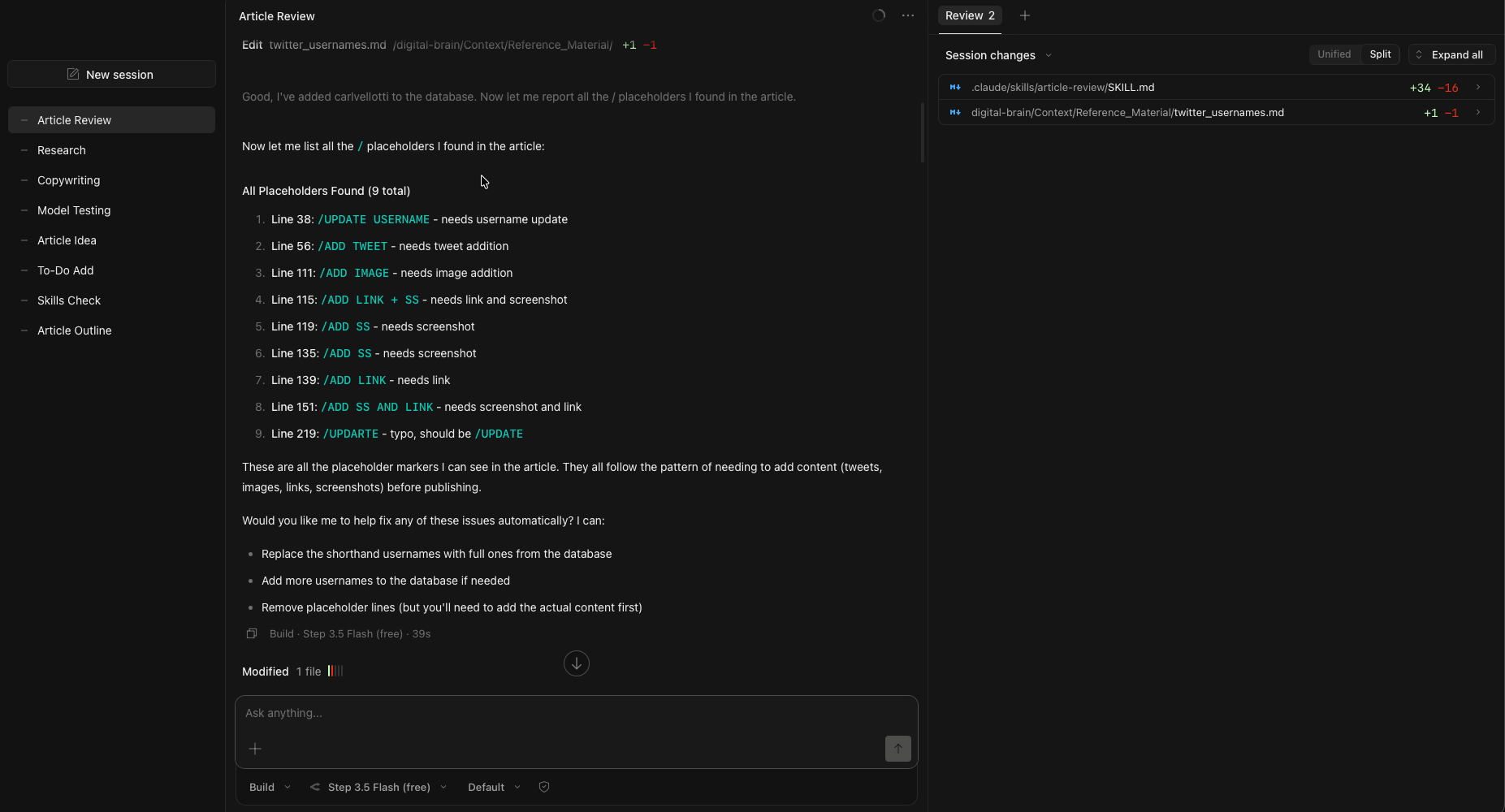
Back then, I had the misconception that Claude Code was only for coding.
But I finally understood that it can be used for almost anything, once you create a repeatable workflow that the LLM can execute (or Skills).
I enjoyed this setup because I could create Agent Skills to perform tasks for me with Claude Code, while I do all of my writing in Obsidian.
This system knows who I am, what I do, and how I think because of all the context within markdown files that the LLM can access.
Which lets the LLM give more personalised outputs, rather than an unreliable memory system that is found in the chatbox.
Even then, Claude Code may not be for everyone.
The subscription’s pricing can be expensive to some, especially when they change their rate limits at any time.

There are other LLMs that provide comparable quality of outputs while at a much cheaper price with higher rate limits, and I’ve been exploring the most cost-effective setup for my own needs.
That’s when I realised that I can’t rely on Claude Code alone:
You need a Portable AI System
You don’t want to be locked into any ecosystem, not even Anthropic’s.
Imagine some other company releases a new model that outperforms Opus/Sonnet/Haiku, and you can’t bear to switch over because you bought an annual plan.
Things move too fast in this space, and our operating system should not be stuck with one provider.
We need to freely switch between models, depending on what best fits our needs, while getting the same high-quality outputs that we expect.
This all boils down to creating high-quality Skills that are clear, repeatable workflows that any LLM can pick up and execute right away.
I’ve tried switching between models inside the Claude Code extension as I felt that it’s the most beginner-friendly way for anyone to get started.
While it had some success when I switched over to my GLM-4.7 subscription, I faced errors like this when using OpenRouter’s API key.
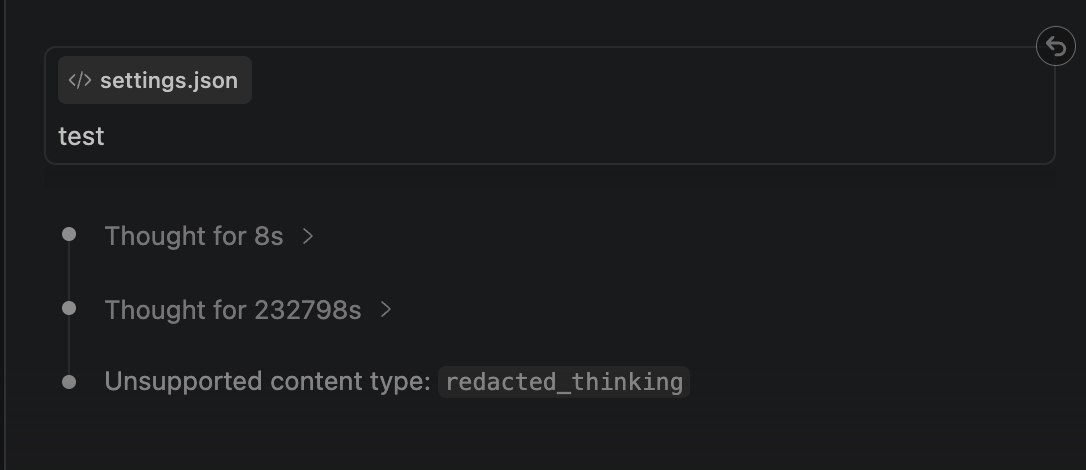
So I couldn’t recommend this system yet because it wasn’t ‘open enough’, until I finally found the best setup:
The OpenCode-OpenRouter combination
One of the biggest gripes I had with OpenClaw and Hermes was when I needed to switch models.
When my subscription hit the rate limit for the week, I had to change the model provider within the .json file.
But this led to (a lot) of troubleshooting and testing to ensure that the connection works. It usually doesn’t on the first try, and I burned lots of tokens just trying to get everything working.
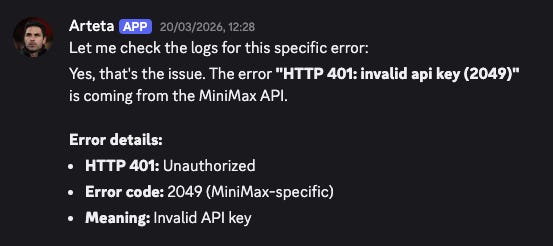
I tried switching models in Claude Code and Codex to use another Anthropic/OpenAI-compatible endpoint, and these led to many errors too.
So after playing with more CLIs and applications, these are the only 2 platforms that I’d recommend for complete beginners who want to start for free:
OpenCode to access any API
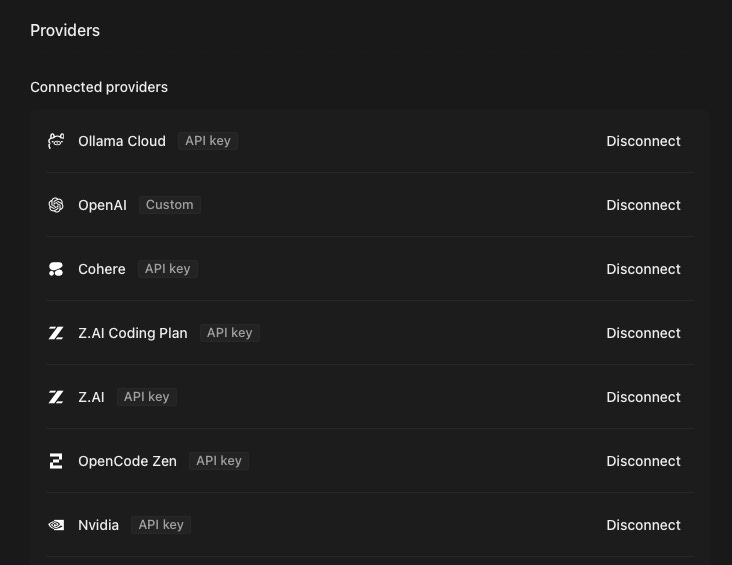
I like OpenCode because it lets me connect to any provider that I currently have a subscription with, including:
ZAI Coding Plan Lite
Alibaba Coding Plan Lite
@MiniMax_AI API
A bunch of free-tier subscriptions
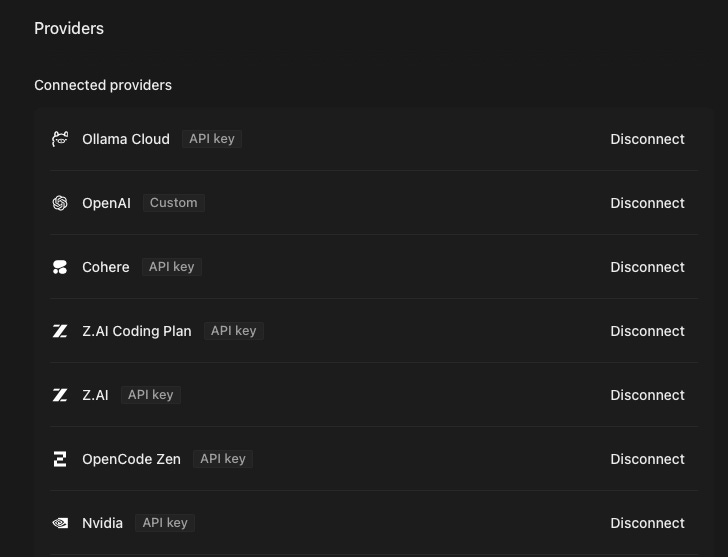
For OpenClaw and Hermes, I had to verify the Base URL (it’ll be different for the coding and API plans), and I wasted a lot of time troubleshooting to ensure that everything works well.
While for OpenCode, most of the popular model plans (both from the providers themselves or aggregators) are already preconfigured, and we just need to add the API key inside.
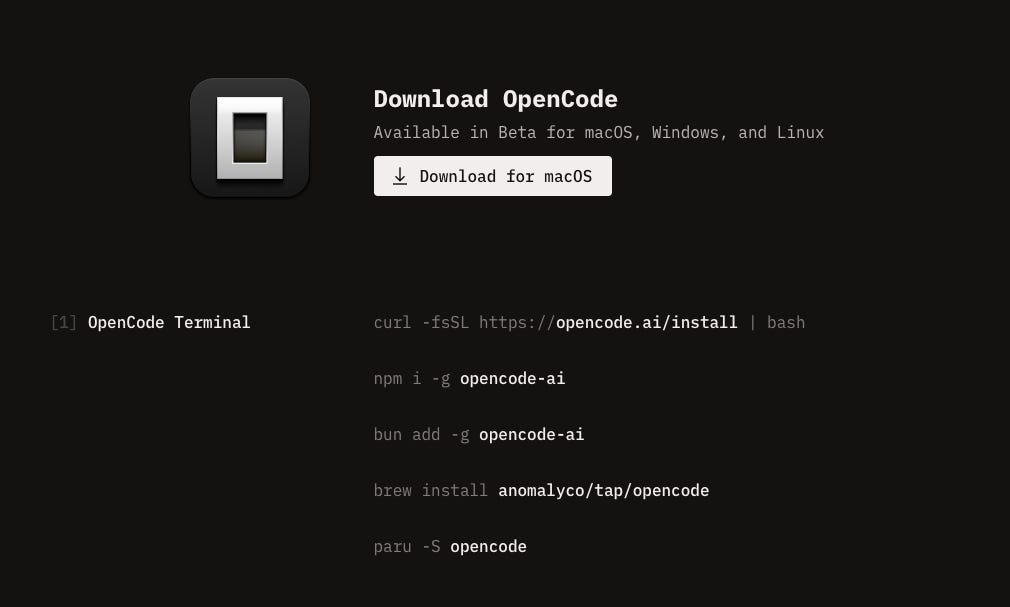
I’ve been using the CLI first, until I realised that OpenCode has a desktop app too, which makes it even more accessible to beginners who don’t want to use the Terminal.
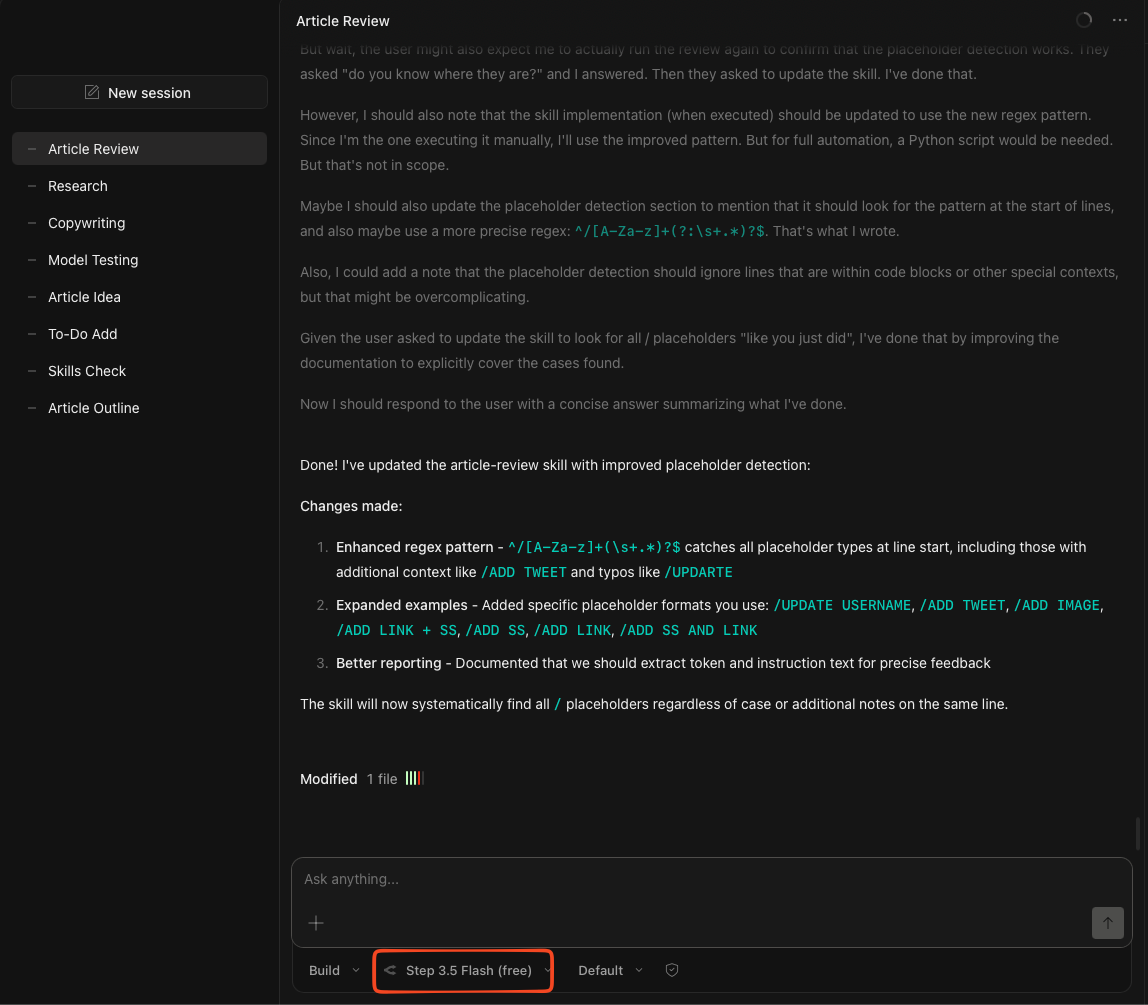
I can switch between models that I’ve configured for each subscription, while each individual chat allows me to select a specific model (so I can route requests for each specific task).
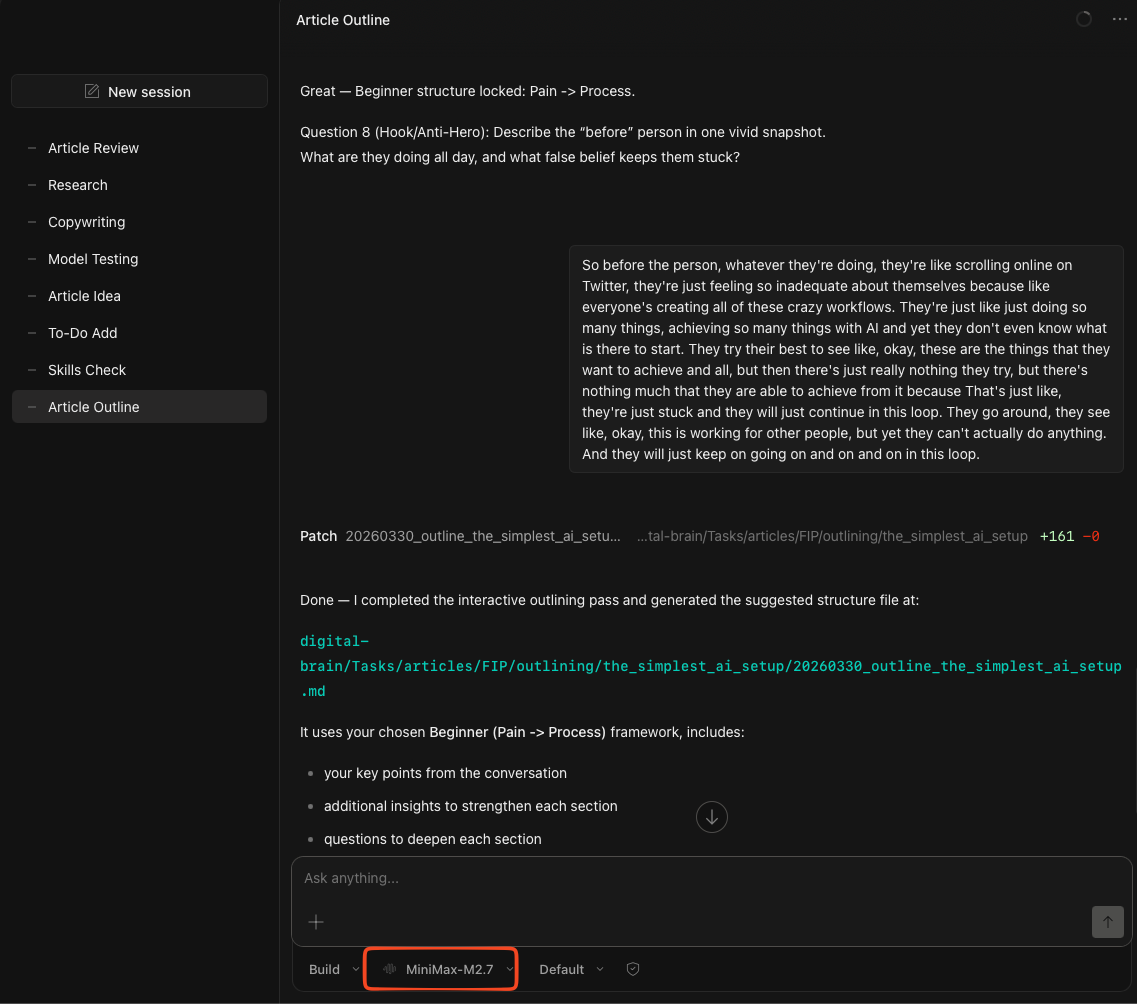
In my case, I’m using MiniMax-M2.7 to build out the article outlines (like this one) with me as it requires more thinking capabilities, while I use Step 3.5 Flash to review my article with a checklist (after writing everything out).
It gets even better when you pair it with a platform that offers free inference:
OpenRouter to access free models
I chose OpenRouter as the main choice to route my requests to free models because:
It has > 28 models in their free list (though I face issues when connecting to some)
The setup is straightforward when generating an API key
We get free 50 requests a day
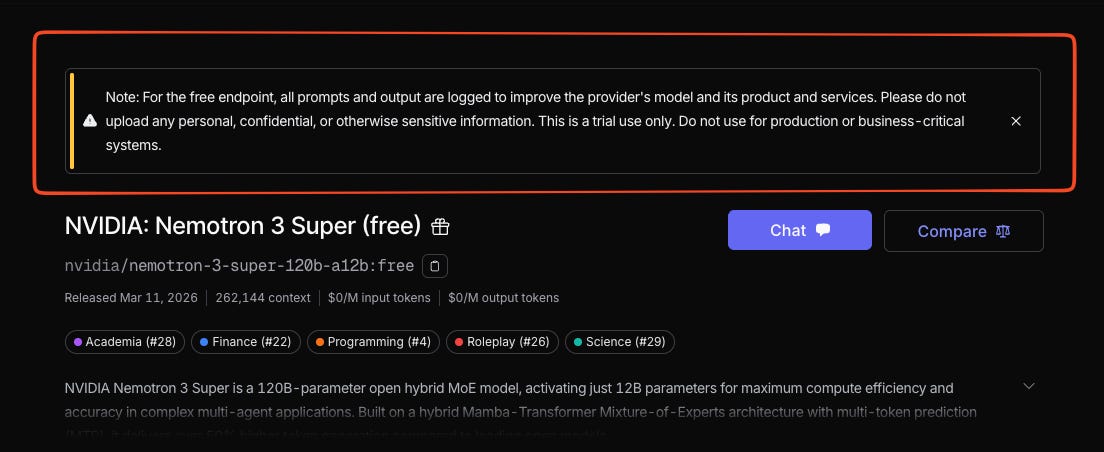
OpenRouter even has Tier 2 models (a similar tier as Claude Sonnet) that you can access for free, including Nemotron Super.
Though you’ll be sharing data with them if you choose the free tier.
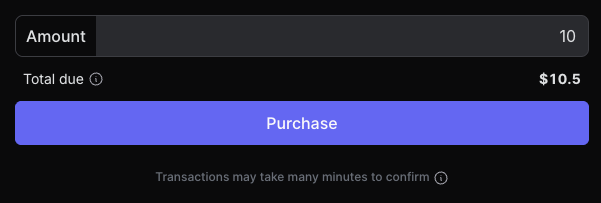
While 50 requests per day is a great way for any beginner to start building out their Signal OS, we can bump it up to 1,000 requests a day with a one-time deposit of 10.50(asa10 credit top-up + 5% fees).
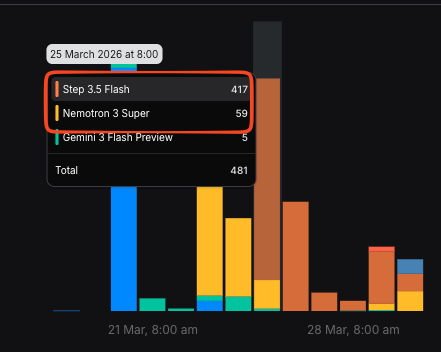
I’ve been using the free tier extensively to carry out most of my execution tasks, and I haven’t hit 1,000 requests a day (yet).
So I believe that this is generous enough to try out this new way of building out your personal operating system.
But of course, these models are not good enough to code out anything. I would still use a paid subscription if I want to vibe code or create Skills, while I use the free models to execute tasks that I’ve already created comprehensive workflows for.
I shared more on how to get access to these free models here.
You just need a system that works for you
The Simplest AI Setup lets you experiment with AI in a smarter way through better context engineering.
Most memory systems in the chatboxes have a limit to how much they know about you, until they start replacing old memories with new ones.
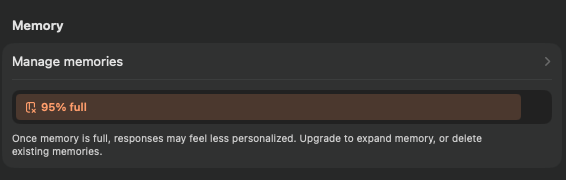
And they will forget some of the tasks that you asked the LLM to do before.
But if you design your system in the right way, the LLM will never forget who you are, what you do, and how you think.
All it takes is building out a markdown-based system that routes the right context to the right request.
So if you want to use AI the right way instead of a generic chatbox that forgets everything, get the full (free) video guide to build your Simplest AI Setup.
I will guide you through the entire installation process and model setup for both OpenCode and OpenRouter, while giving you the full prompt to build your Signal OS: